
Category: new release
-
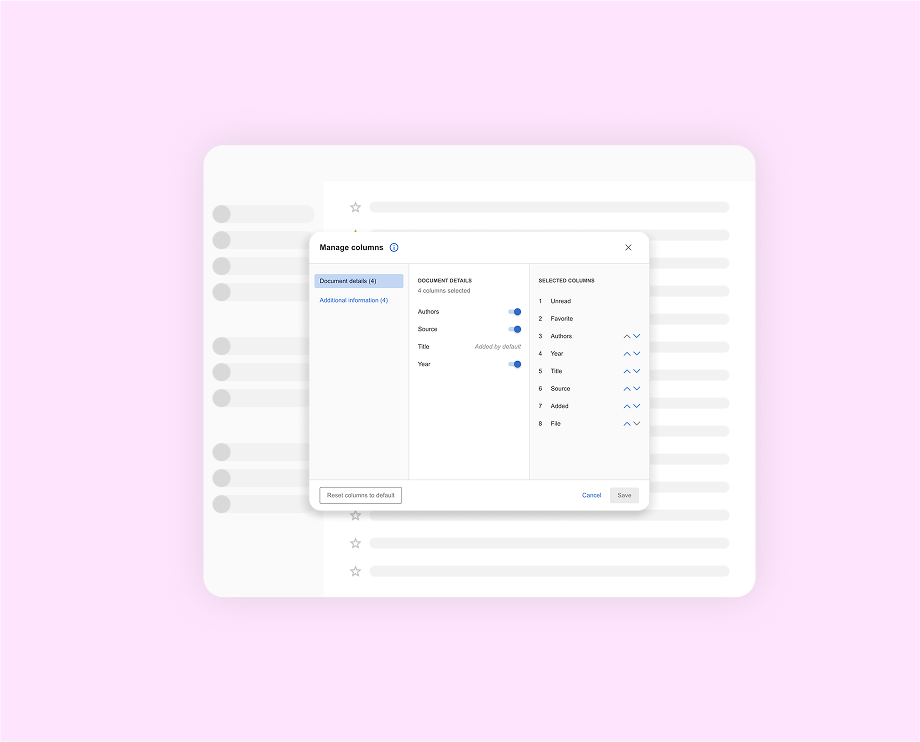
What’s New in Mendeley: March 2024
We are always working hard at Mendeley to release features that will make the researcher’s life a bit easier. Here we share what was new in Mendeley in March 2024. Save time with Keyboard Shortcuts: Here is another keyboard shortcut to help you save time in Mendeley Reference Manager: Action Shortcut Open user preference panel…
Written by
·
1–2 minutes -

Streamline your workflow: Watched Folders are now in Mendeley Reference Manager!
Introducing Watched Folders in Mendeley Reference Manager! Watched Folders allows users to automatically add new documents/references into their library without going through the in-app import flow. All you have to do is drop a file into your Watched Folder, and Mendeley will automatically import it into your library. Why you should use them There are…
Written by
·
1–2 minutes -

What’s New in Mendeley: Our Most Recent Releases
It’s a new year and Mendeley’s new year resolution is always to be better than the year before. We’re so proud of what we accomplished last year, and we are eager to do more this year. To begin the year with a bang, here are a few features we have recently released in Mendeley. Bridge…
Written by
·
1–2 minutes -
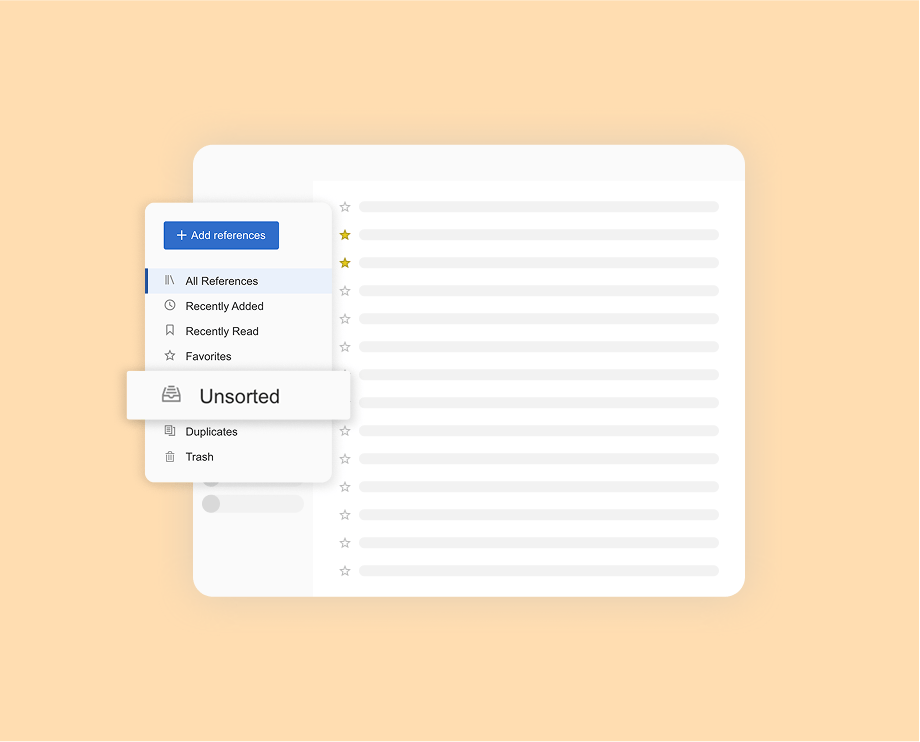
What’s New in Mendeley: November 2023
We are always working hard at Mendeley to release features that will make the researcher’s life a bit easier. Here we share what was new in Mendeley in November. Save time with Keyboard Shortcuts: Last month we released a few keyboard shortcuts. This month we have released a few more to help users better navigate…
Written by
·
1–2 minutes -
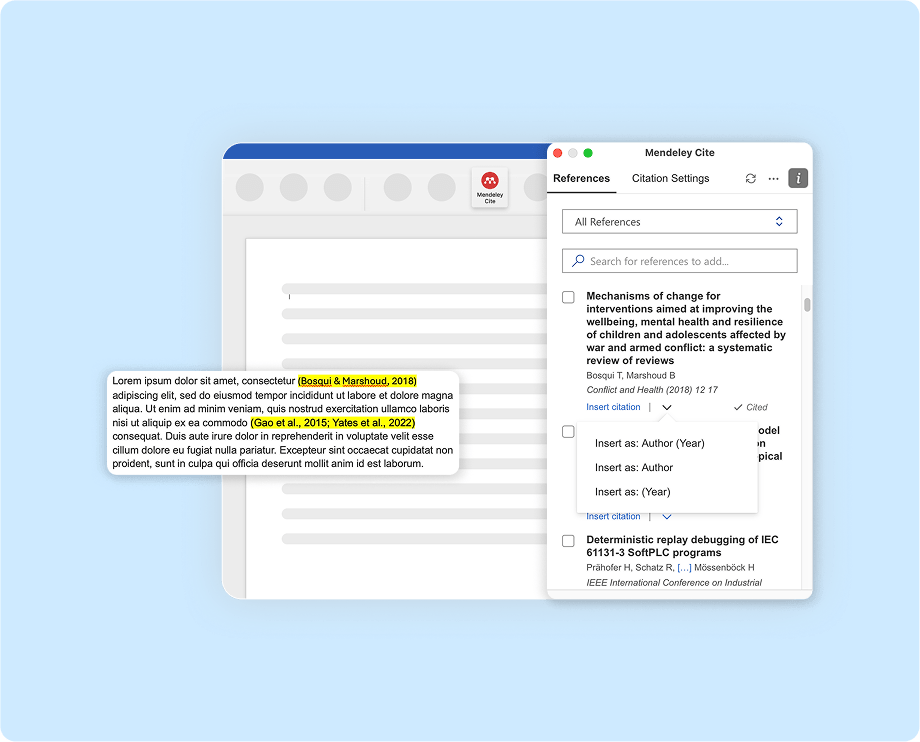
What’s New in Mendeley: October 2023
We are always working hard at Mendeley to release features that will make the researcher’s life a bit easier. Here we share what was new in Mendeley in October. Save time with Keyboard Shortcuts: Users can now navigate Mendeley Reference Manager using keyboard shortcuts. Here is a list of keyboard shortcuts that can help you…
Written by
·
1–2 minutes
 Mendeley Blog